

GX-16 · eForms
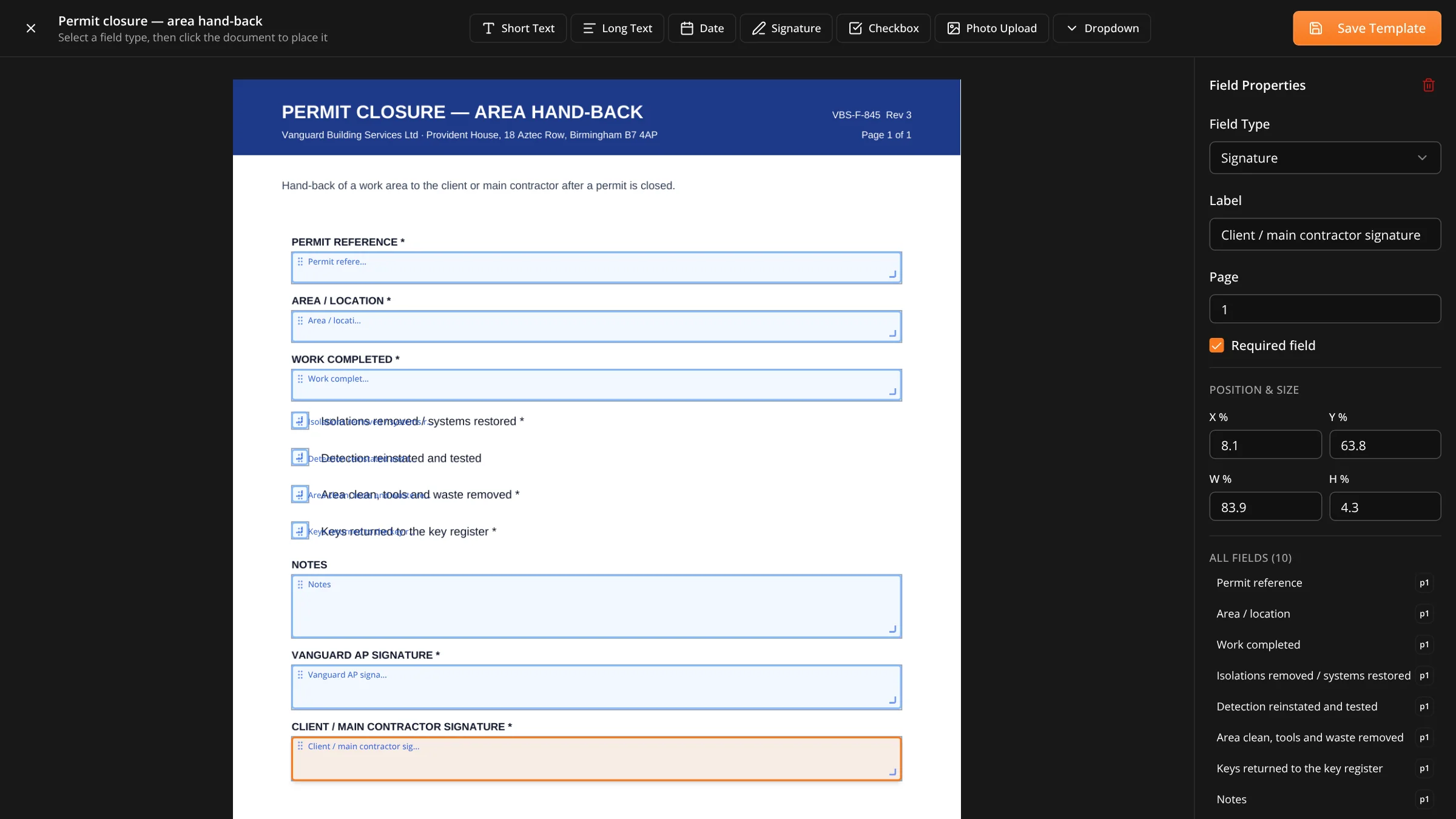
Every business has permits, checklists, inductions and commissioning sheets refined over years. eForms lets you rebuild those rather than adopt somebody else's idea of what a permit should say.
Why this exists
Software that ships fixed compliance templates always loses to the paper form the business already trusts, because the paper form has the specific clause that got added after the specific incident. So the answer is not better templates. It is letting you build your own.
Outside the business
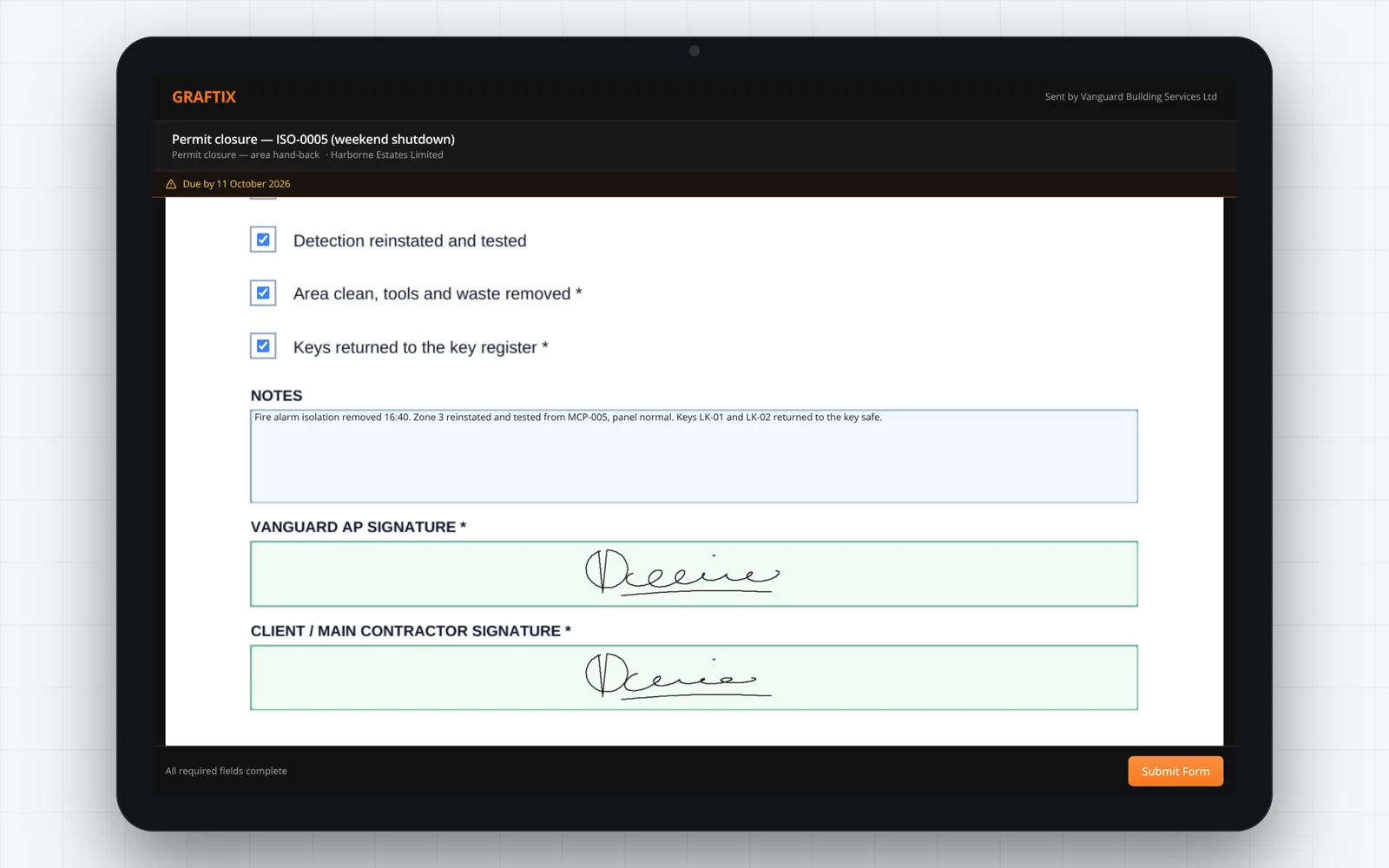
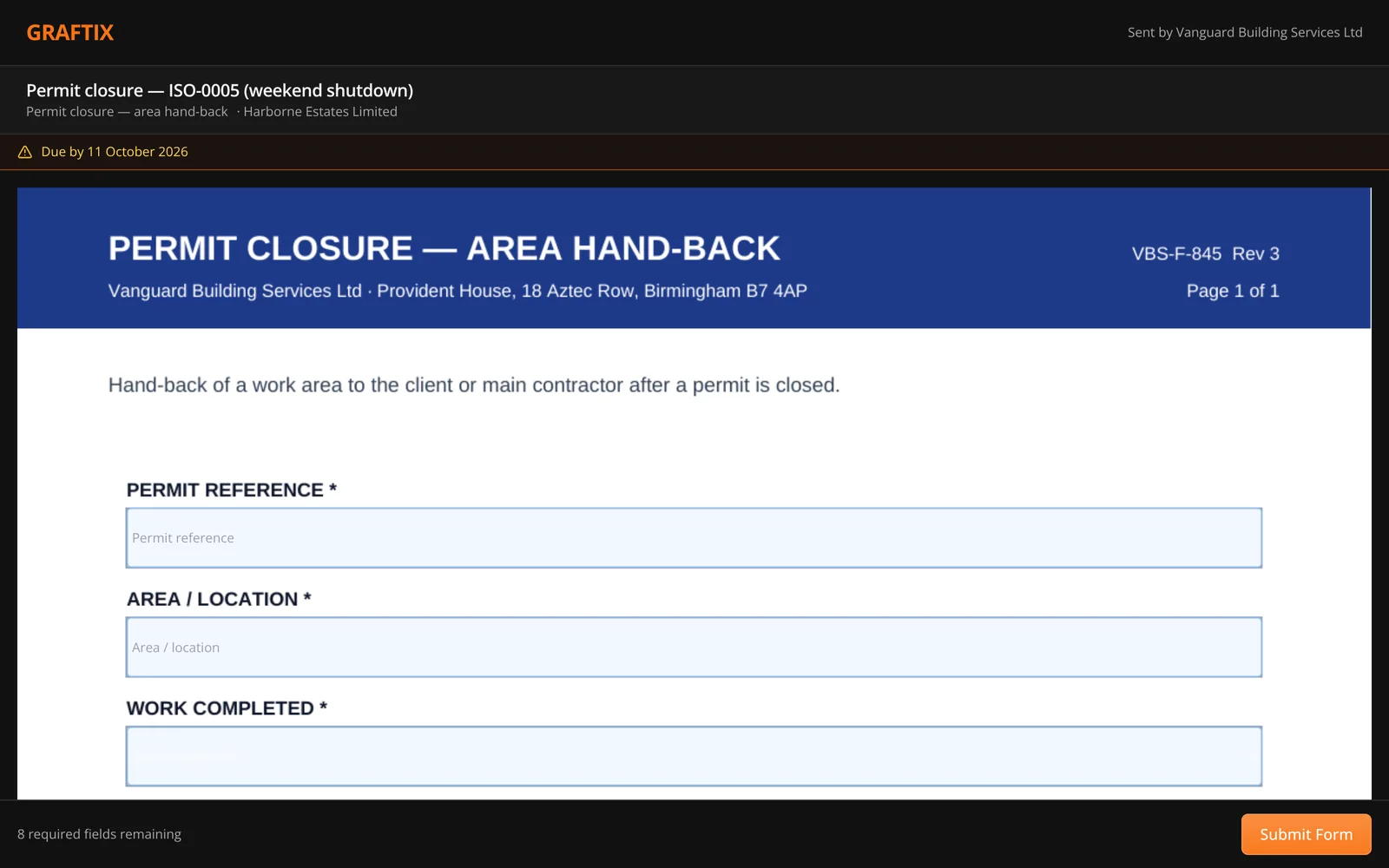
Half the forms you need completed are completed by people who do not work for you. A subcontractor doing an induction. A client signing off a room. A visiting engineer taking a permit. They get a secure link, not an account.
What people build with it
A rough guide to what contractors put into eForms first. None of these ship as fixed templates, because yours will not match ours.
16
Permits to work
Hot works, isolation, confined space, working at height.
Site inductions
Site-specific, completed before anyone starts, tied to attendance.
Commissioning sheets
Device or room level test records in your own format.
Pre-start checklists
Daily and weekly checks captured where the work happens.
Client sign-off
Room or area acceptance, signed on the spot on a tablet.
Subcontractor returns
Insurance, RAMS acceptance and competency, on an external link.
Snagging sheets
Defects captured with photos against the location they occur.
Handover checklists
The final walk round, evidenced rather than remembered.
Get started
Take the one everybody complains about filling in twice and build it once. That is the fastest way to see whether this works for you.