01
"Who told you to move it?"
A site manager on level 4 changed the route three weeks ago. Nobody wrote it down, and now it is a variation you cannot claim.


Major projects · Fire · Security · Electrical · Data · AV
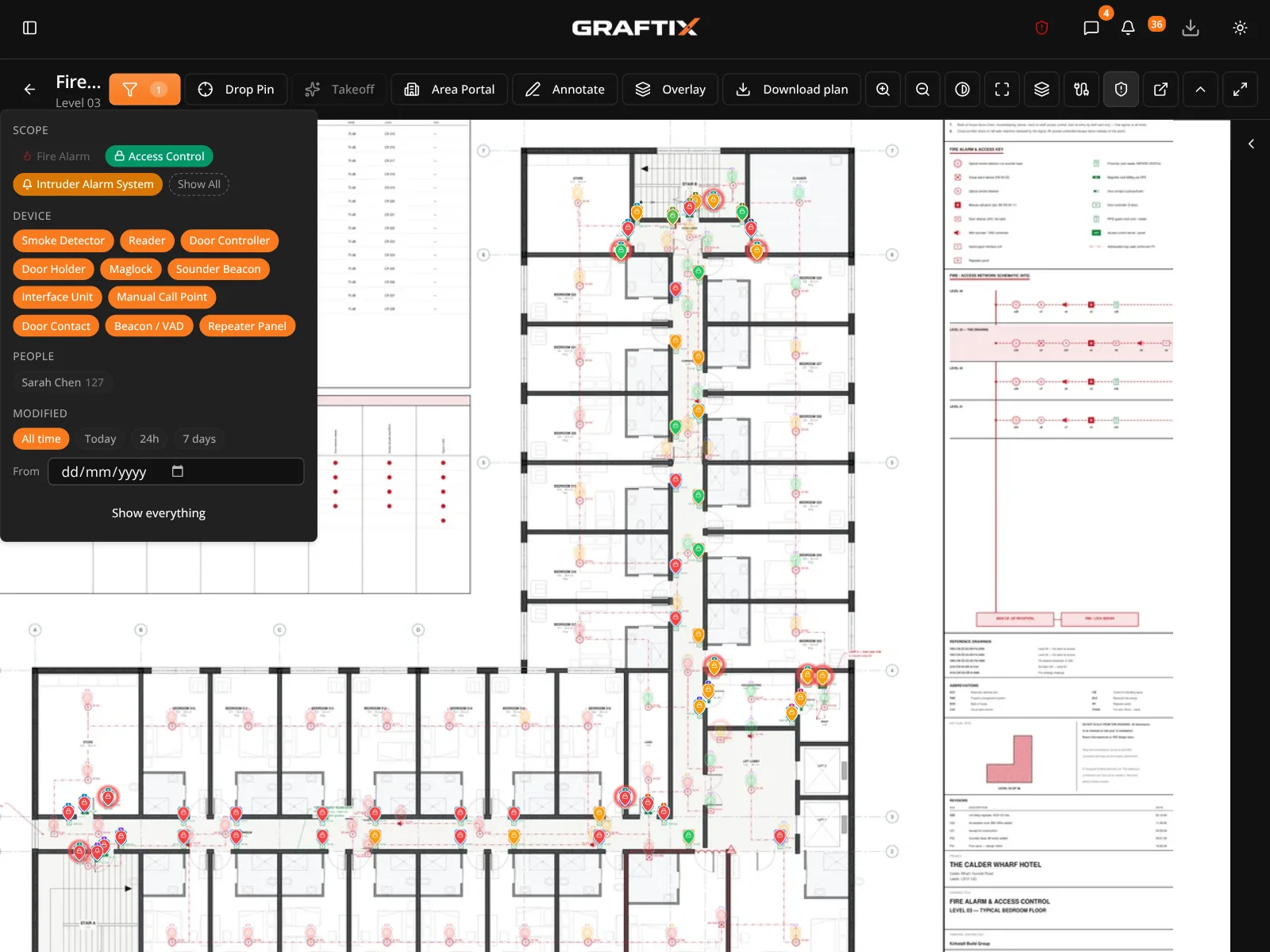
Graftix is built for specialist contractors on major projects: thousands of devices, a gang on every floor and a main contractor who wants every part of it evidenced. Every task, test, permit and instruction sits on the drawing it belongs to, from first fix to the O&M pack.
Built by a working contractor, on live jobs · Operatives on the register at no seat cost
The problem
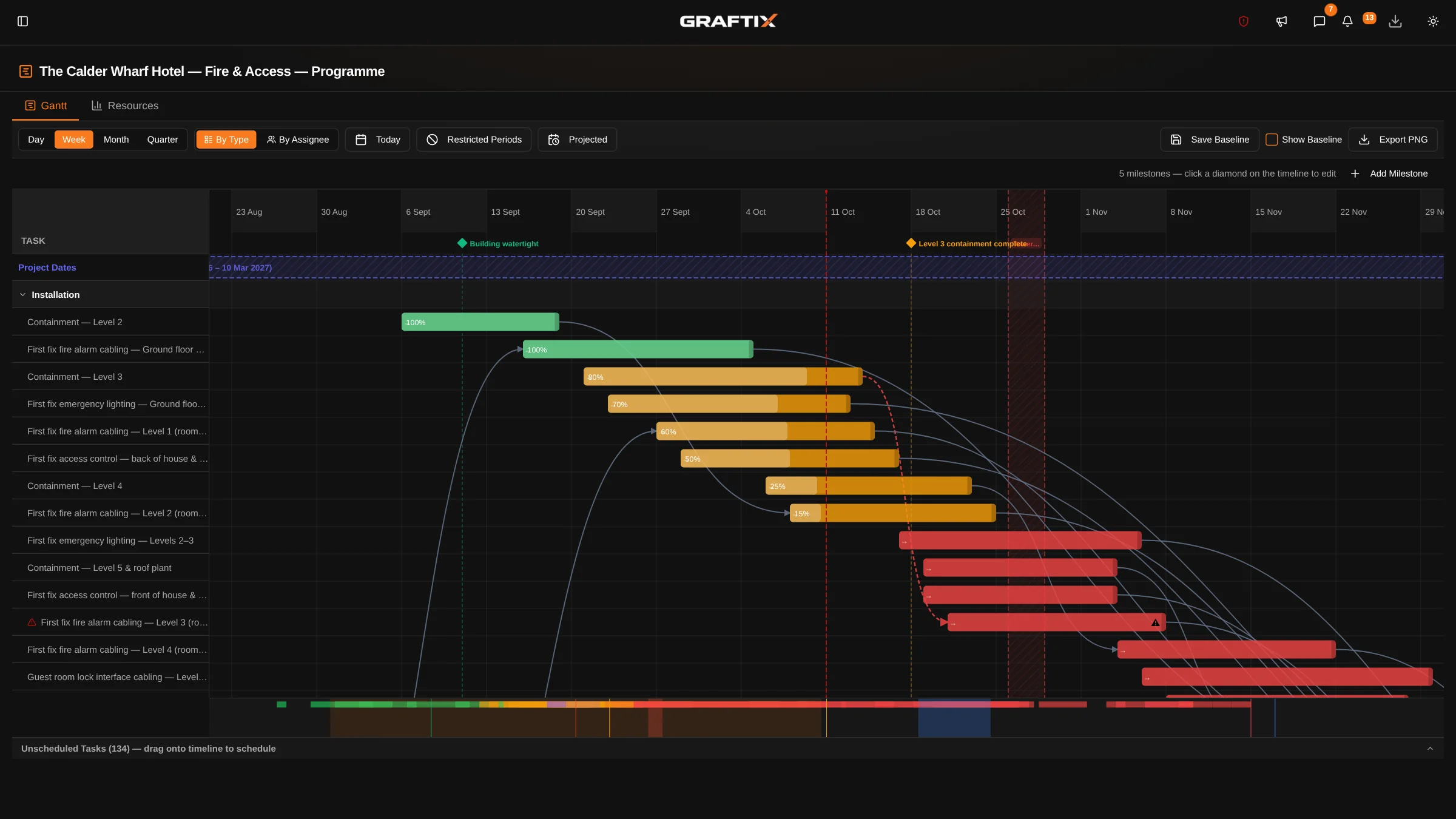
On a major project the install is rarely the hard part. The hard part is the instruction nobody wrote down, the floor that is "finished", and the builders' work nobody can prove was asked for. Those gaps are where a specialist contractor's margin goes.
01
A site manager on level 4 changed the route three weeks ago. Nobody wrote it down, and now it is a variation you cannot claim.
02
The gang has moved on. Commissioning finds forty devices with no test result, and handover is a fortnight away.
03
The recess for the panel was never formed. Nobody can say when it was asked for, so the delay lands on you.
04
Forty operatives from three subcontractors, and the main contractor wants inductions, cards and RAMS sign-off for every one of them.
Protect your position
The records that decide who pays for a delay are the ones nobody has time to write. In Graftix they are a tap on the drawing, with the date, the person and the evidence attached.


The gate
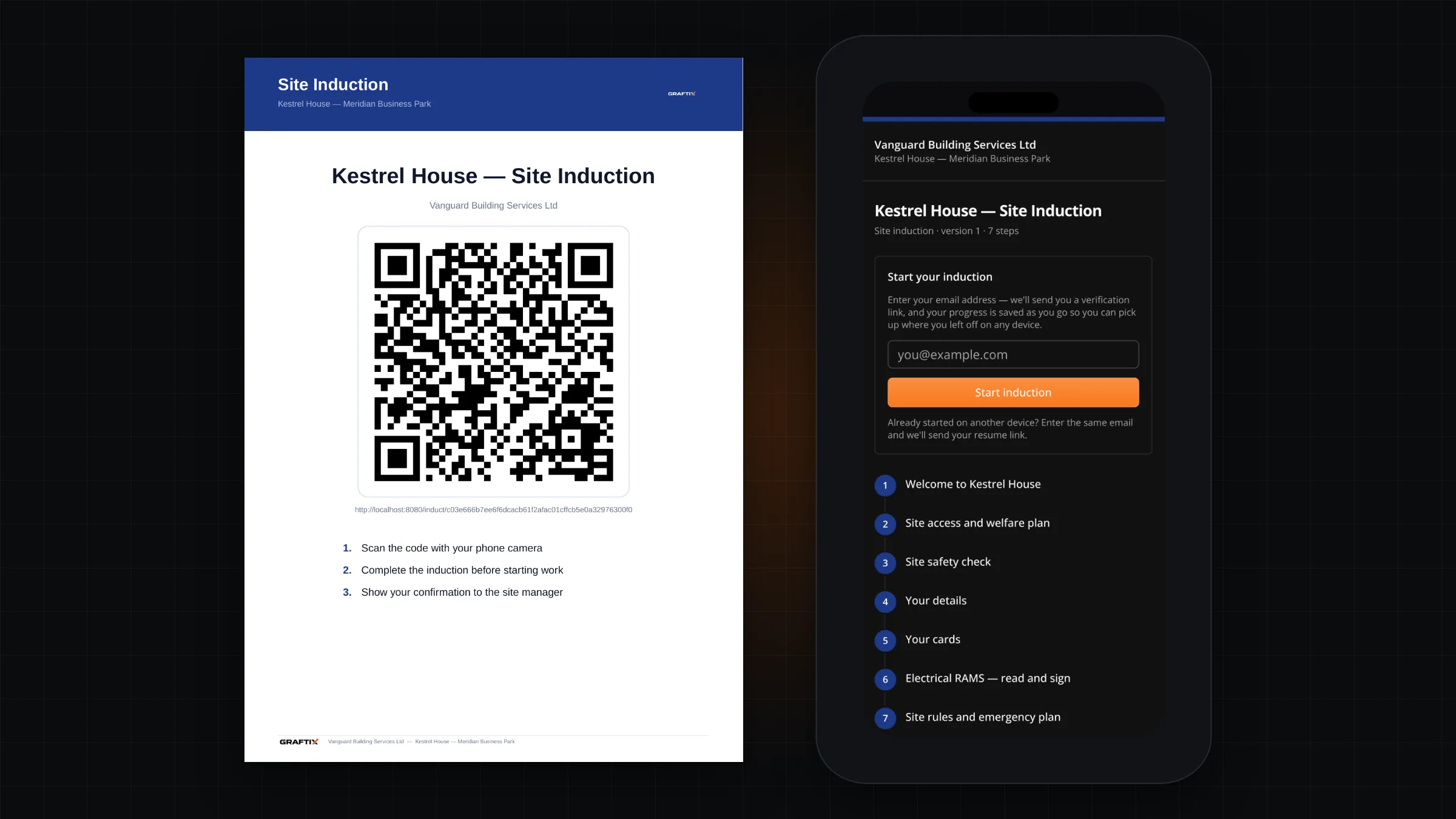
Induct people at the gate from a QR poster, check their cards before they pick up a tool, and know who is on site right now. Operatives and subcontract labour sit on your register without a paid seat.
Safety and records
The weekly report, the permit, the RAMS revision, the submittal. Captured on site as the work happens and filed against the job, so producing it takes a click rather than a weekend.
RAMS
Version-controlled, read in full on the phone and signed, with the sign-off record on the export.
Permits to work
Pre-issue checks, live countdowns, fire watch and a hand-back form, for hot works, isolations and the rest.
Toolbox talks
In person or remote, signed on the phone and sealed as a PDF with a QR verify page.
Reports
Photos, plan mini-maps, blockers and trade headers, for the main contractor's weekly report or the client's.
Technical submittals
Datasheets, installation guides and certificates held once for the business and used on every project.
Site keys
Keys and fobs with a QR label: who holds each one, when it came back and the photo that proves it.
Structure
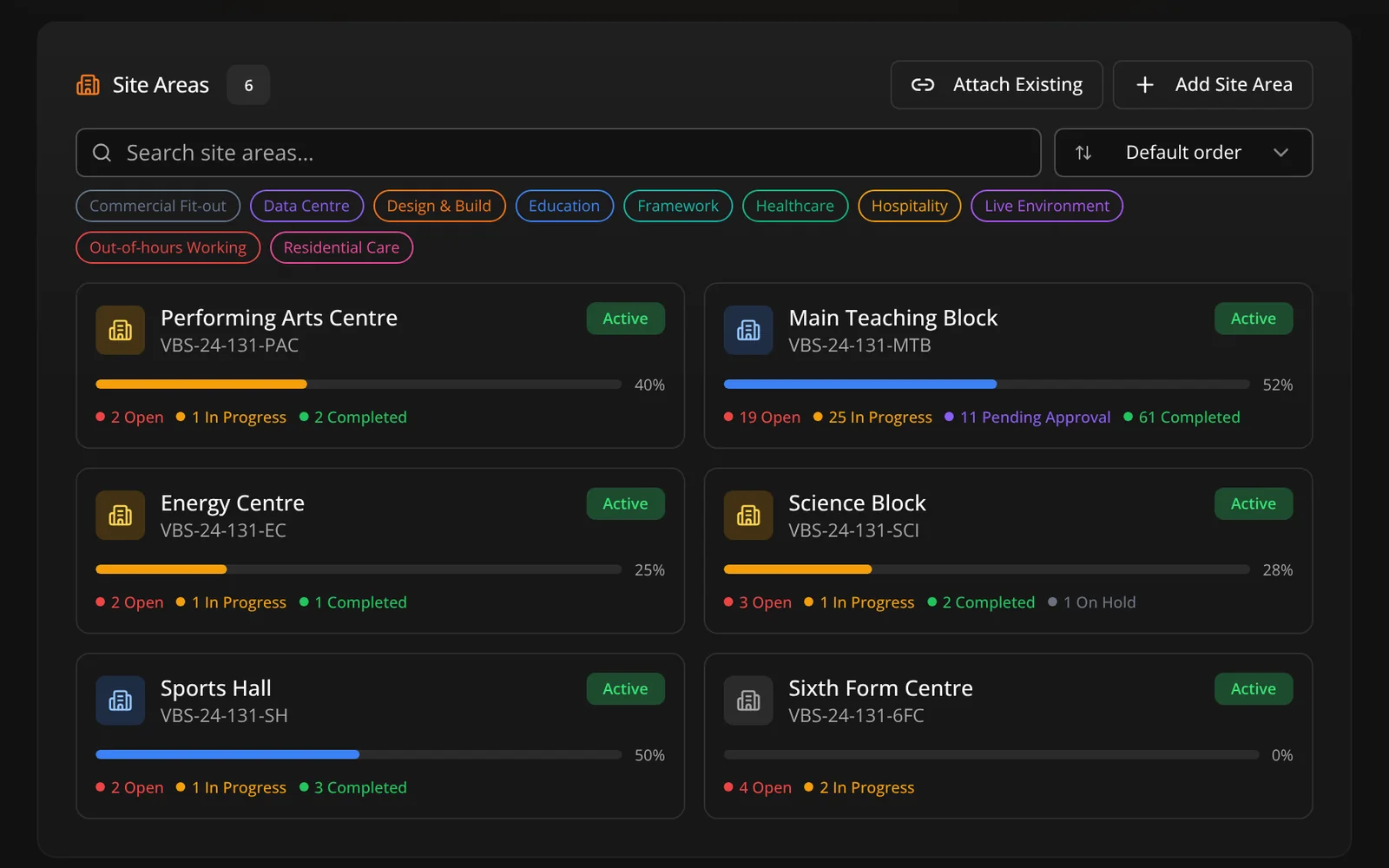
A parent project holds the contract, the programme and the money. Each building, block or zone is a site of its own, with its own drawings, tasks and team. Work happens on the floor; reporting rolls up to the top.
Commissioning and handover
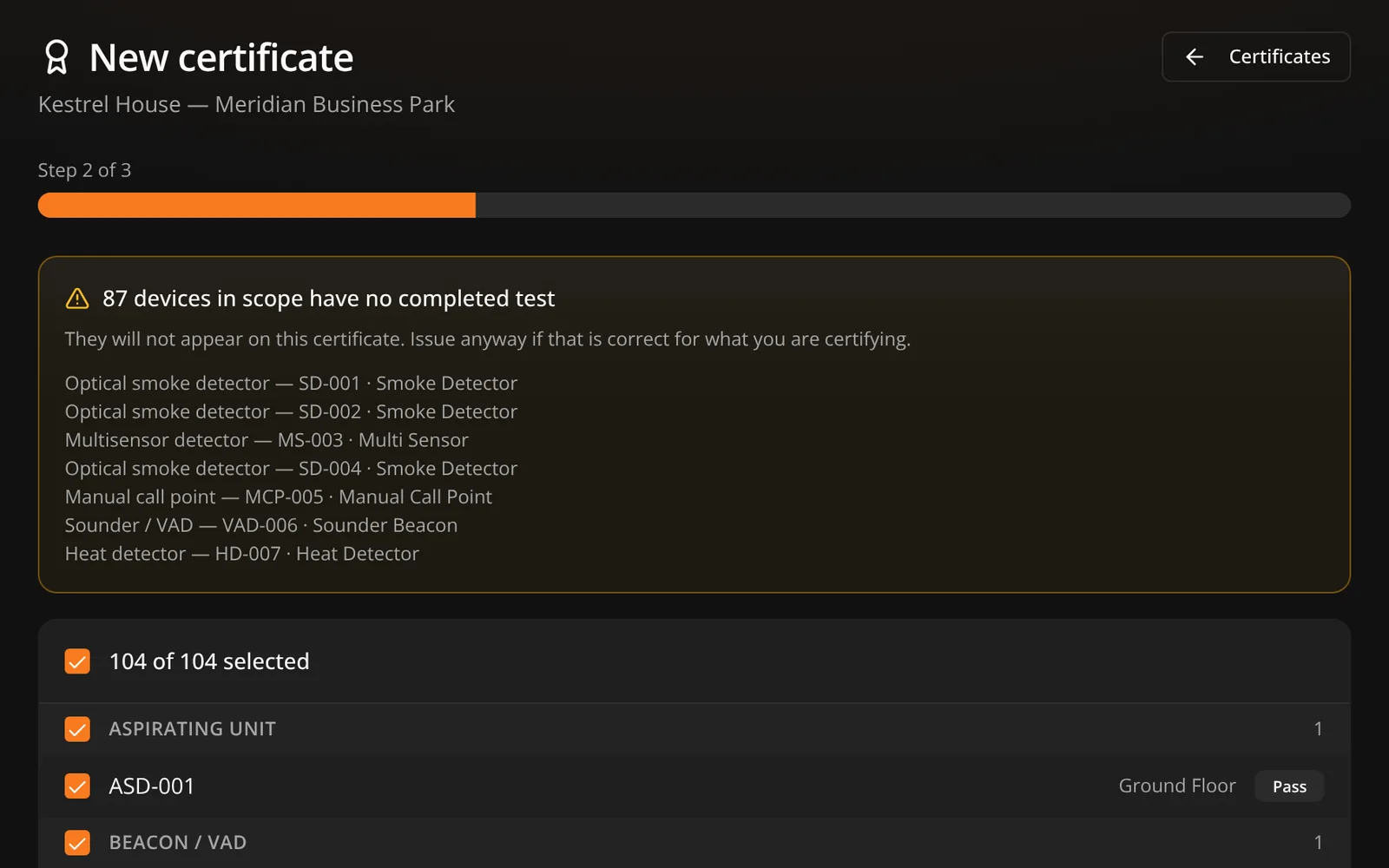
Readiness is worked out per system from the results already recorded against each device. Nobody types a percentage, and a system cannot read complete while its devices are failing.
Who built it
Graftix was written by a working contractor with twenty years in fire, security, electrical and data, on live jobs against real deadlines. If a feature would not survive an engineer in a riser with cold hands, it did not ship.
Getting a major project live
Major project setup is quoted per project: drawings uploaded and pinned, asset registers imported, tasks structured by trade, your client's Graftix Live view configured, and your engineers trained on your own job. The subscription does not change: £40 a month per organisation and £20 per user, so a 50-person project team is £1,020 a month plus VAT.
No. RFIs, builders' work requests, eForms and proposals go out on a secure link, and they reply from a phone or a laptop without signing up.
Only people who log in need a seat. Operatives and subcontract labour sit on your register for free with their cards, do the induction from the QR poster and complete eForms on a secure link.
Split the job into a site per building, block or zone, and each team works on its own part while the reporting rolls up. The task register is built for thousands of devices, with the drawings, programme and money held in the same project.
Yes. Graftix Go keeps what you open on the phone, and a whole project can be downloaded for a day without signal. Changes send themselves when you are back on.
Get started
Tell us the job: how many buildings, how many engineers, which trades and when it starts. Or open the live demo and walk round a full project yourself.
Or start a 7-day free trial yourself · Every feature · No card