
GX-02 · Projects and portfolio
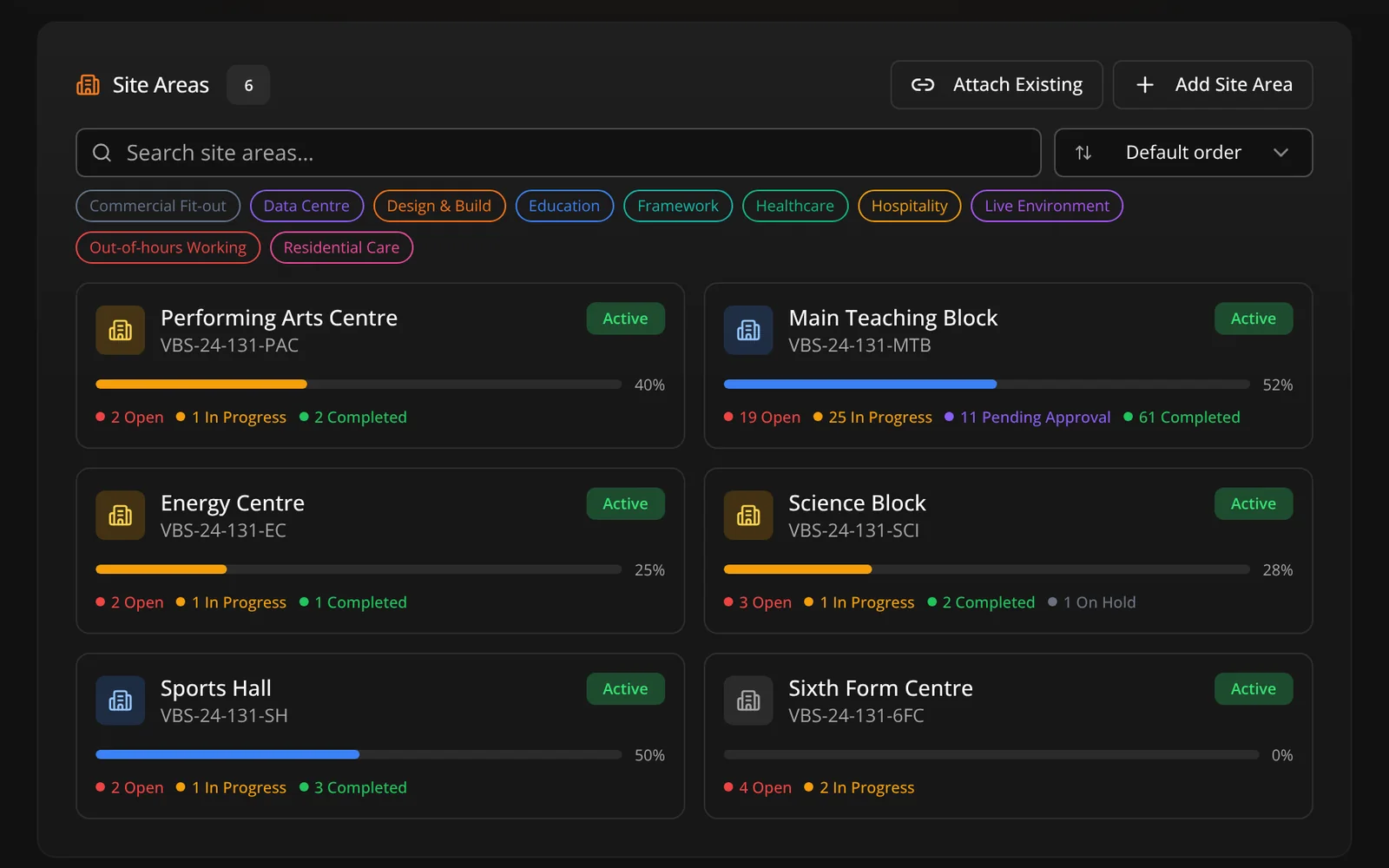
A project holds everything: the drawings, the tasks, the kit, the records and the money. Campus jobs get a parent with child sites underneath, so eighty buildings stay one job rather than eighty spreadsheets.
Structure
Most tools give you one flat project or dozens of disconnected ones. Neither works on an estate. The parent holds the contract, the budget and the estate-wide programme; each child site holds one building, block or zone with its own drawings and team.
The project screen
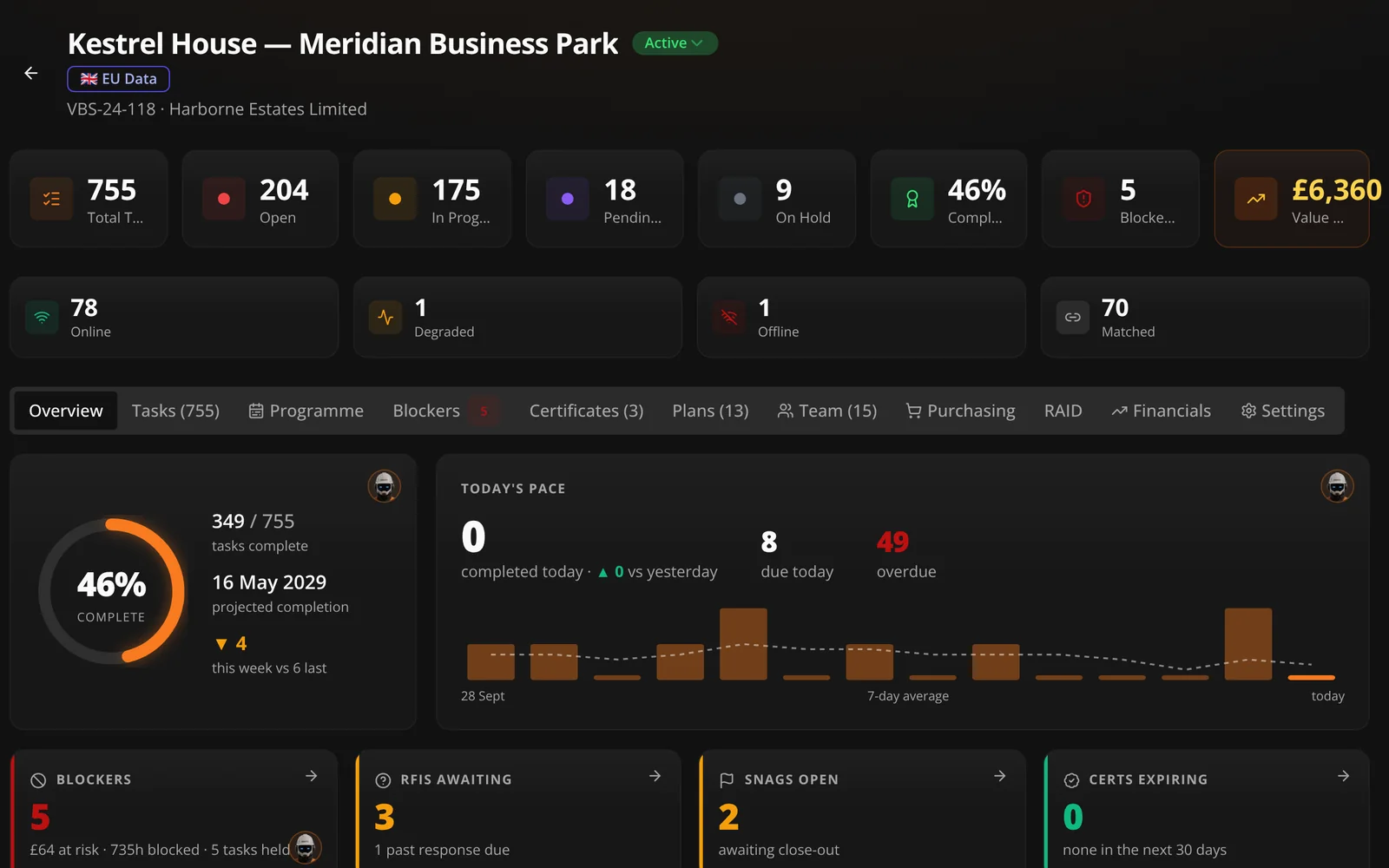
Everything for that job sits behind one screen: tasks, plans, programme, materials, purchasing, records and financials. The reason people abandon software is usually that the thing they need is three clicks further away than the spreadsheet they were using.
Across the business
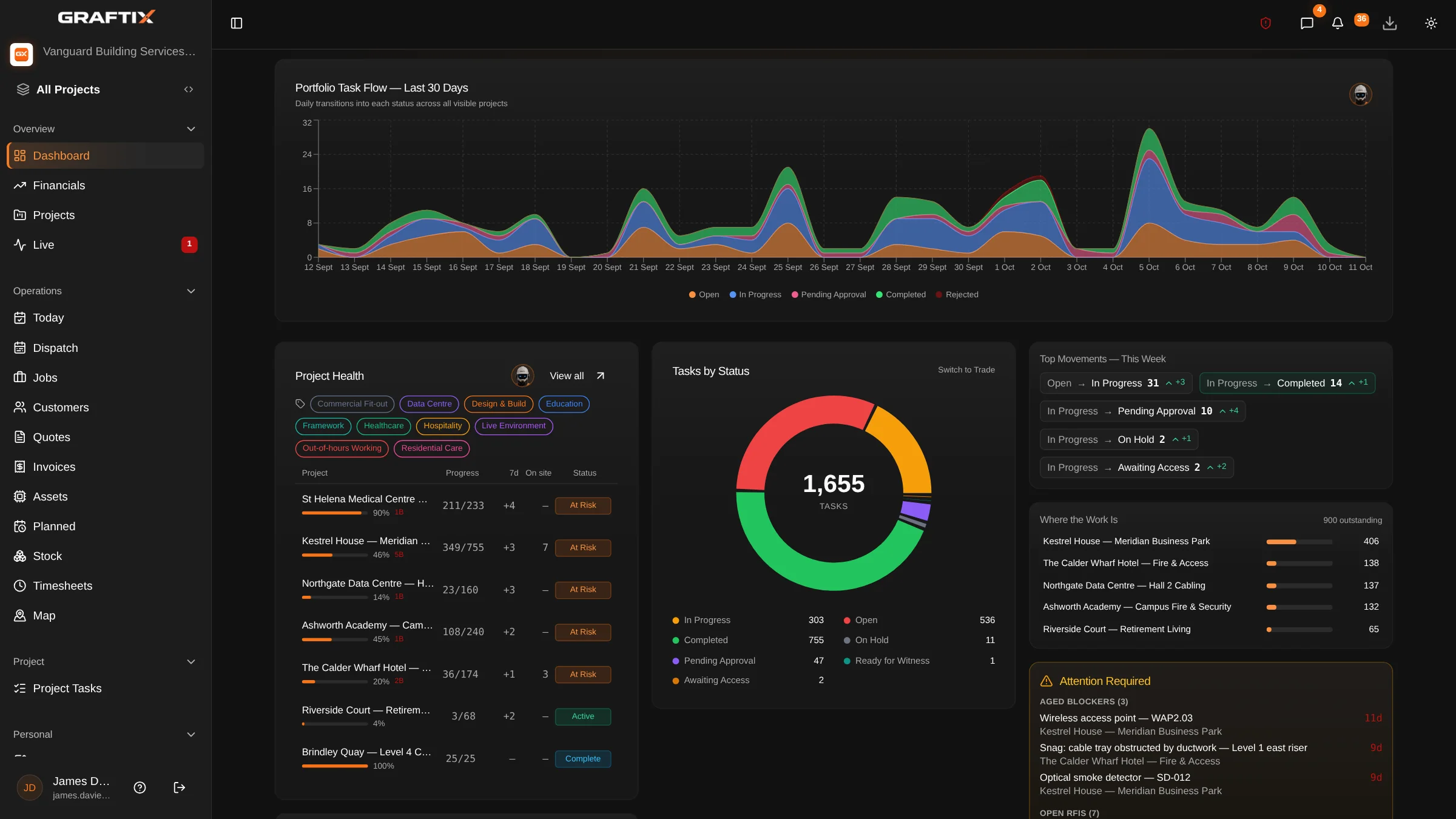
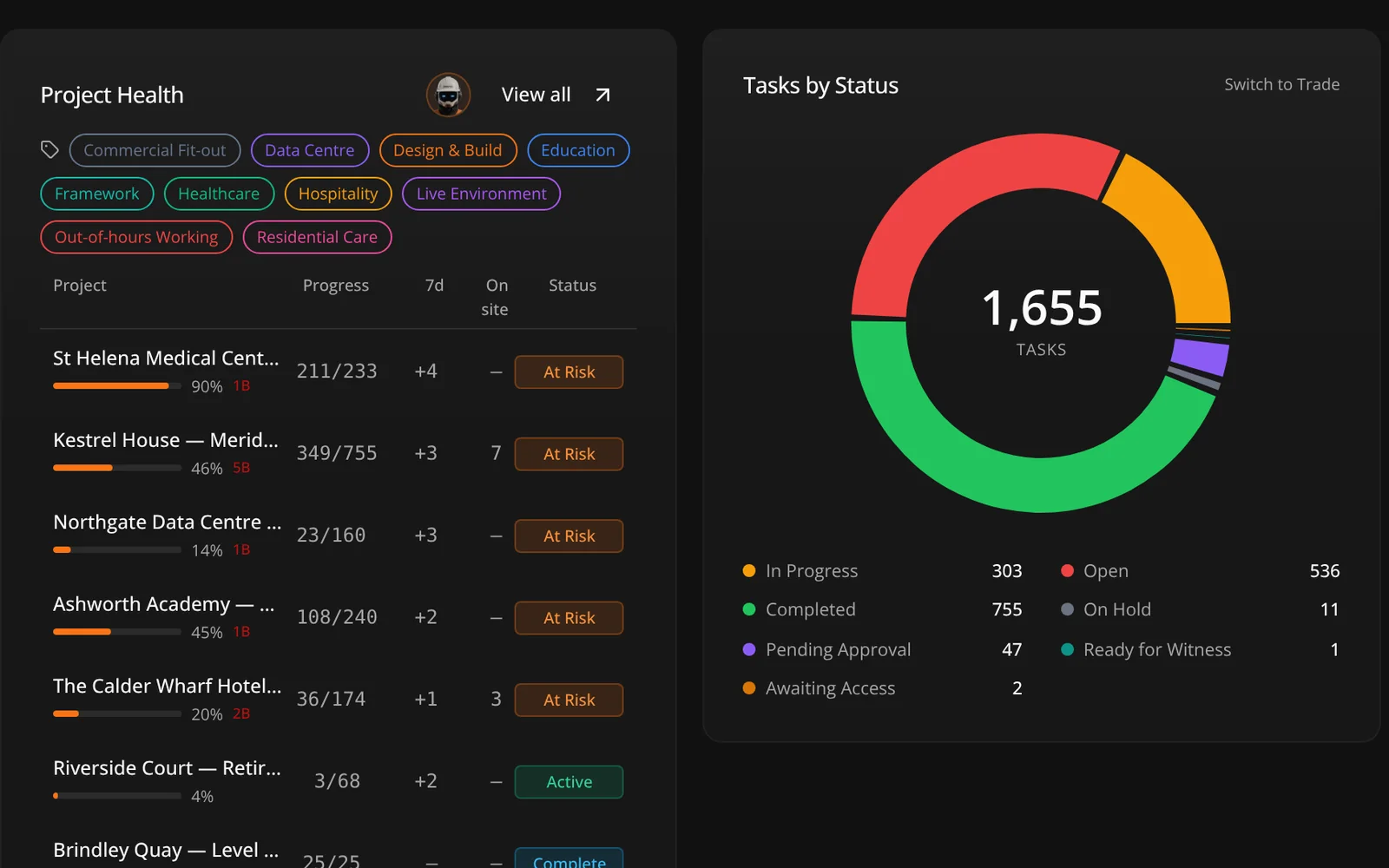
The dashboard is not a vanity screen. It answers the two questions that matter on a Monday: which job needs a decision today, and which one is quietly losing money.
In this module
02
Dashboard overview
Portfolio view across every live project in the business.
Creating a project
Contract value, client, addresses and team in a couple of minutes.
Project detail
Every module for that job behind a single screen.
Parent and child projects
Campus mode, with sites per building, block or zone.
Team and roles
Role-based access from engineer through to director.
Custom status labels
Rename statuses and task types to your own wording.
Organisation profile
Company details, branding and settings held once.
Data residency
Your organisation's data is held in the United Kingdom. One region, and no setting to get wrong.
Site Command
A hero band and an attention rail on the project: what is at risk, what is blocked, and what needs a decision today.
Performance
Leaderboard, project summary and an estate-wide view, computed overnight from the register rather than from a form.
Get started
There is no implementation project and no onboarding call. Create the organisation, create a project, upload a drawing.